
This is an old revision of the document!
~~DISCUSSION:off~~
Introduction to World Creation in The Universal
Welcome to The Universal World Owners' Manual.
The Universal is a customisable game engine, your world server program controls graphics settings and files, game logic and events, and you can adjust all this via settings, configuration files and server-side scripting to create worlds of various different types - from creating a persistent world economy, to making a team-based combat game or a floating art gallery. The world server attempts to be flexible, and learning all you can do with it is a long process..
If you're interested in game design & development, and have a lot of time & patience, then you may find building a world rather fun.
Things you can change on your world
- Set up vehicle controls, physics and weapons
- Change gameplay rules via settings and configuration files.
- Choose models & textures for players, vehicles, buildings and the environment.
- Modify UI layout, camera settings, lighting, weather
- Add sound effects and music
- Make cutscenes, intros and special effects
- Write server-side scripts to control almost every bit of the game engine.
Quick start
Fire up the game, click 'Create World', go through the screens there.
Once you're on your world, F10 brings up the ingame world editor.
Check out the Quickstart Guide for a further introduction to the things you can do as a world owner.
<html>
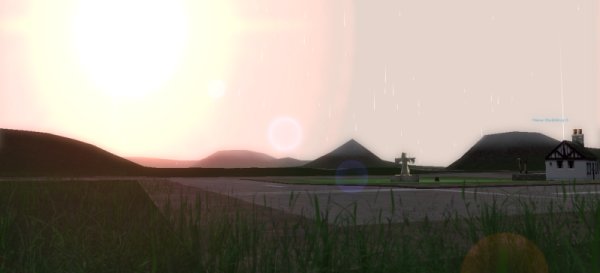
<center><img src=“http://theuniversal.net/screenshots/zion3/Town1small.jpg”></center><br>
</html>
Next Section
- Go to World Setup Overview